


This article was automatically translated from the original Turkish version.
A scanner is an input device that optically captures an object or document and transfers it into a digital format. Primarily, it is used to convert physical documents such as flat images, text, and drawings into digital data within a computer environment. During this process, the image on the document is scanned using light, detected by sensors, converted into electronic signals, and transformed into digital data.
Scanners are used in numerous fields including desktop publishing, printing, graphic design, document archiving, and reproduction. Different types and technologies exist depending on the intended use and level of professionalism.
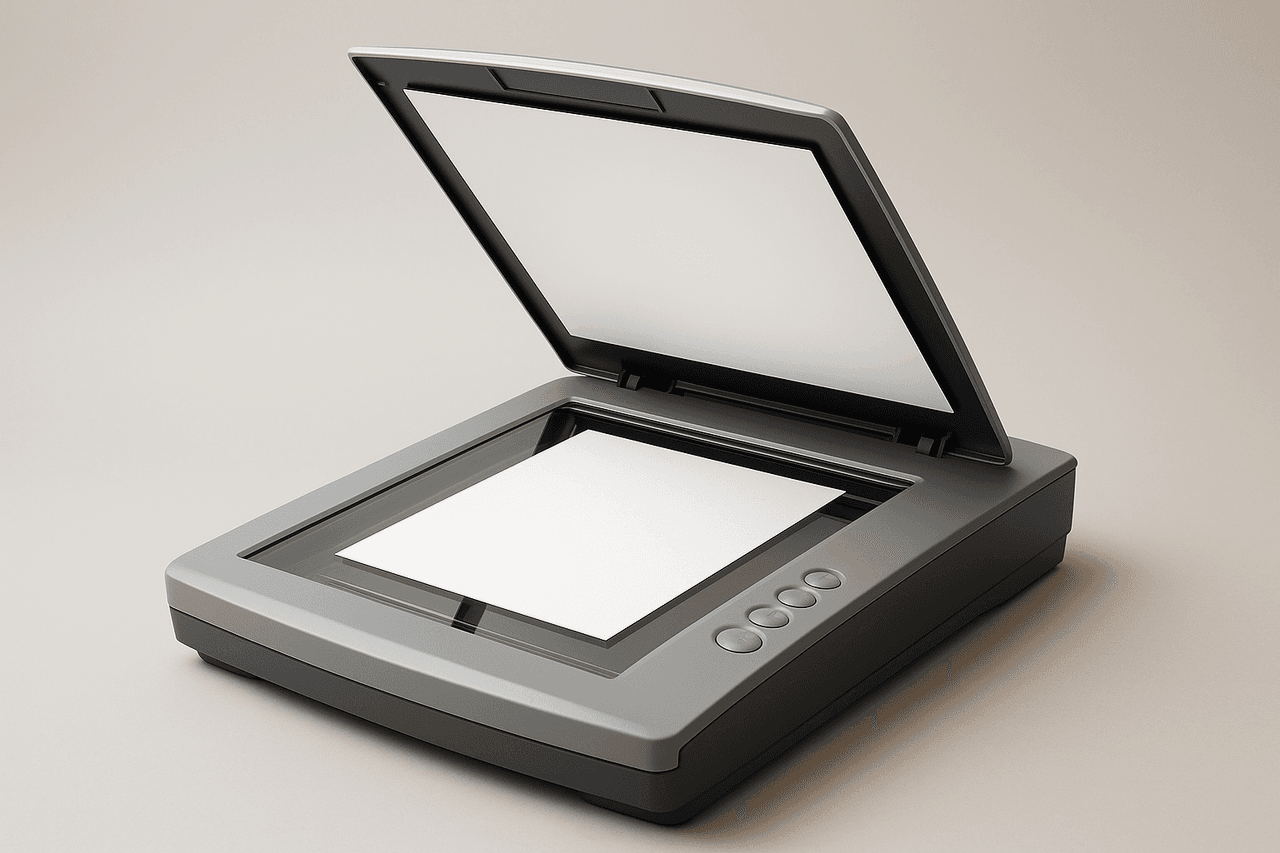
Scanner Image (Generated by Artificial Intelligence)
Scanners are manufactured in various types according to their structure and intended use:

Image Representing Flatbed Scanners (megep)
Scanners detect light reflected from a document illuminated by a light source through sensors. CCD or CMOS sensors convert this reflection into electrical signals. If the signals are analog, they are converted into digital form by an A/D converter. During scanning, the RGB (red, green, blue) color components are detected separately and processed on a pixel-by-pixel basis.
In the preview process, the document is first displayed at low resolution; the user then selects the area to be scanned and sets parameters such as color mode, resolution, and descreening. After this stage, the main scanning process begins and the digital output is transferred to an image processing program.
The quality and functionality of the scanning process depend on specific technical settings:
Scanners are typically connected to computers via USB ports. Older models may also feature parallel ports or SCSI connections. Some modern scanners support wireless data transfer over a network.
The documents or images used during scanning are referred to as originals. These originals are categorized into three groups based on their structural properties:
The digital image produced after scanning must be saved in specific formats. The choice of format depends on the intended use:
To ensure accurate scanning results, the following points must be observed:
Scanners are used in numerous sectors, primarily in printing, graphic design, and desktop publishing. In particular, they play a key role in preparing materials for print by digitizing, editing, and converting images into print-ready formats. Scanners are also critical in reproduction processes where the original material is copied exactly and reproduced.
In addition, they are widely used in educational institutions, archiving activities, digitization projects, document management systems, and personal applications.
Scanners are fundamental hardware units that enable the transfer of visual and textual information from the physical environment into the computer environment in digital form. With technological advancements, scanners have diversified both in hardware and software, resulting in products with varying levels of resolution and sensitivity. Using appropriate devices and settings according to the purpose and nature of the scanning task is essential for obtaining high-quality digital data.

Types of Scanners
Working Principle
Scan Settings
Connection Types
Originals That Can Be Scanned
Image Formats and Storage
Considerations During Use
Applications